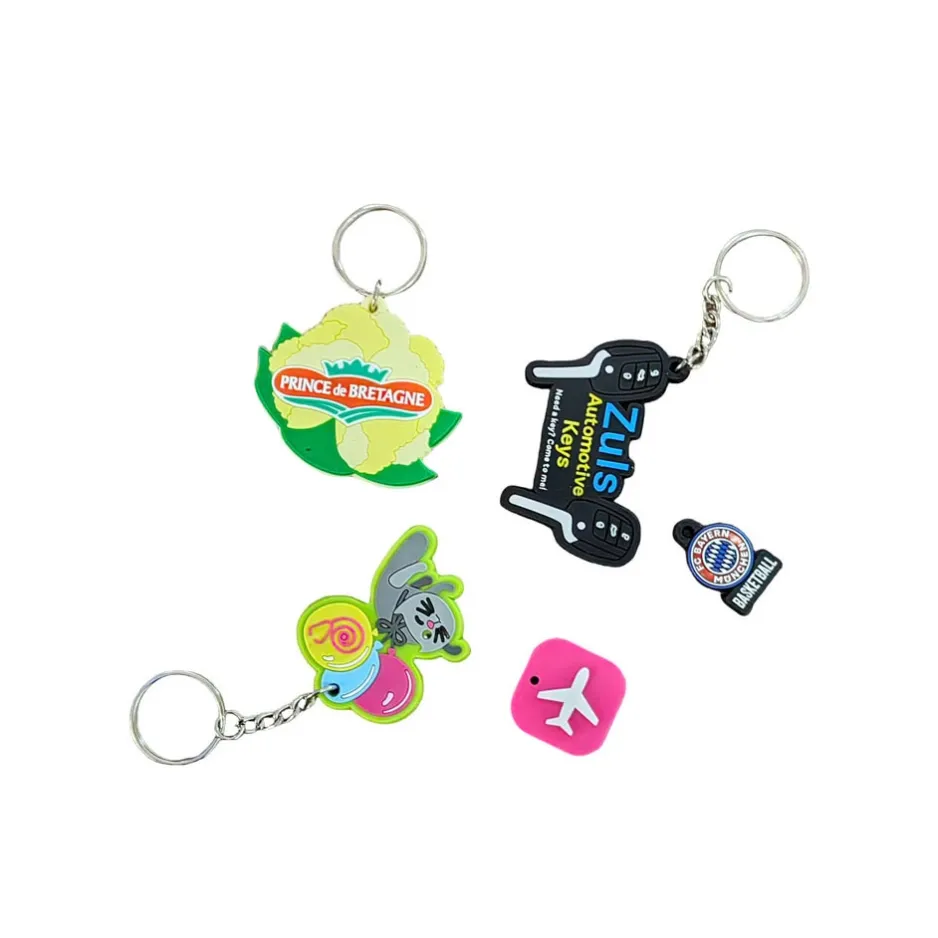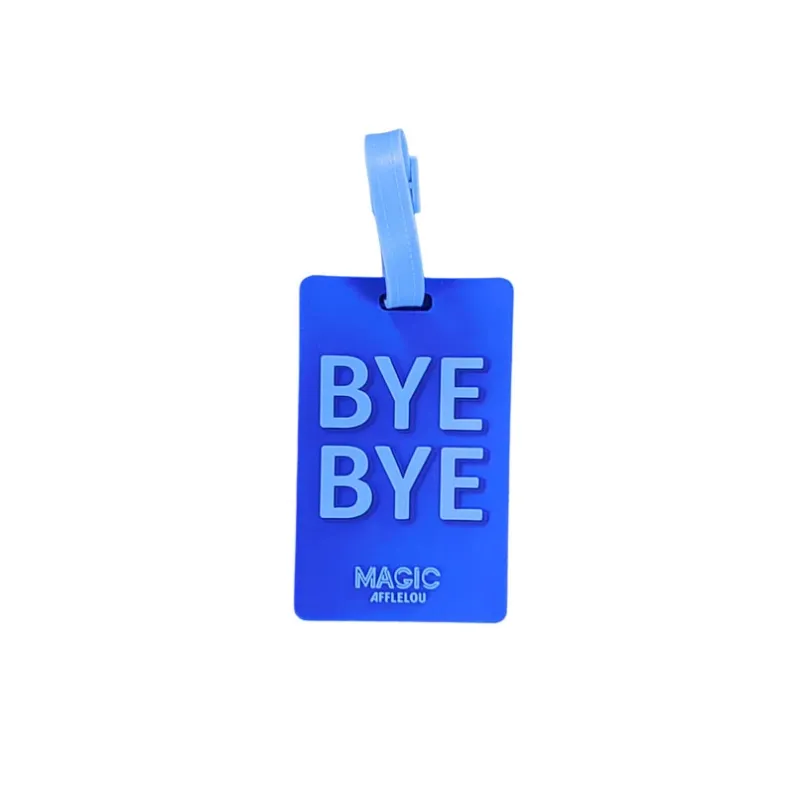
PVC Products
How to Design Custom PVC Patches for Your Brand
Learn how to design custom PVC patches, including 2D and 3D styles, custom shapes, sizes, colors, logo details and hook-and-loop backing options.
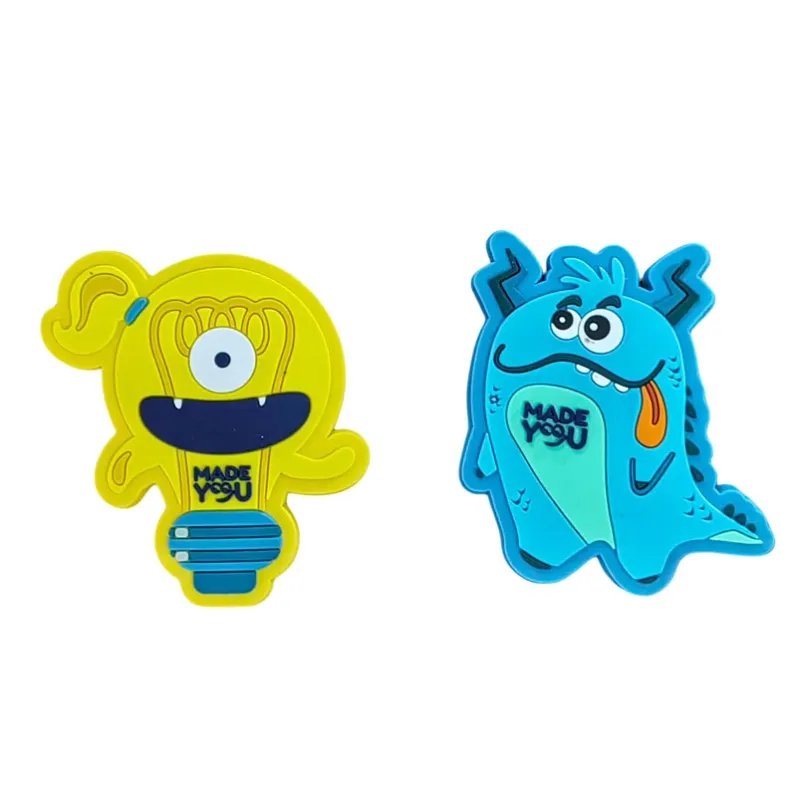
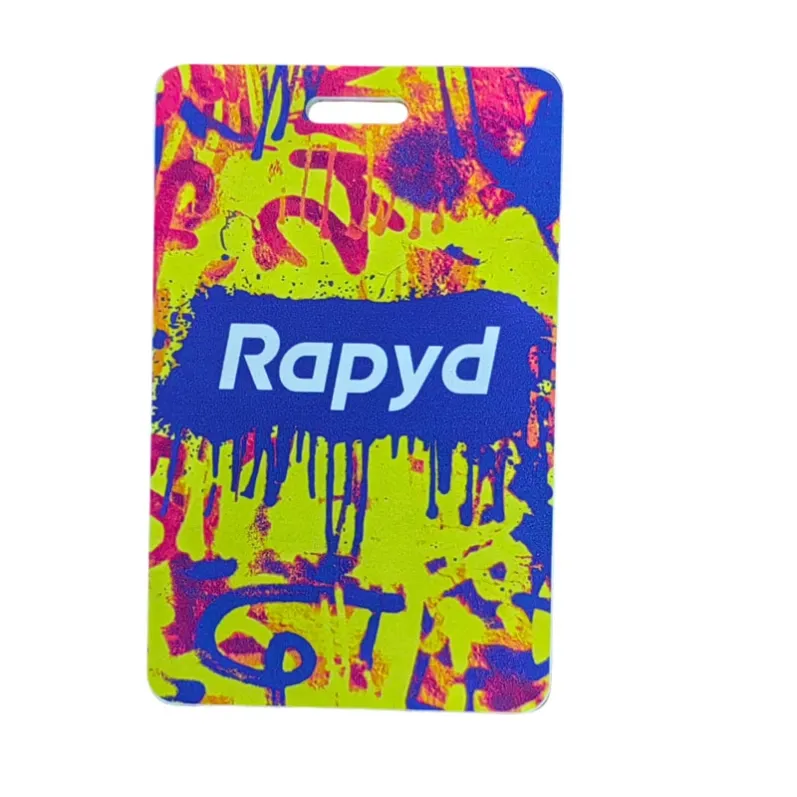
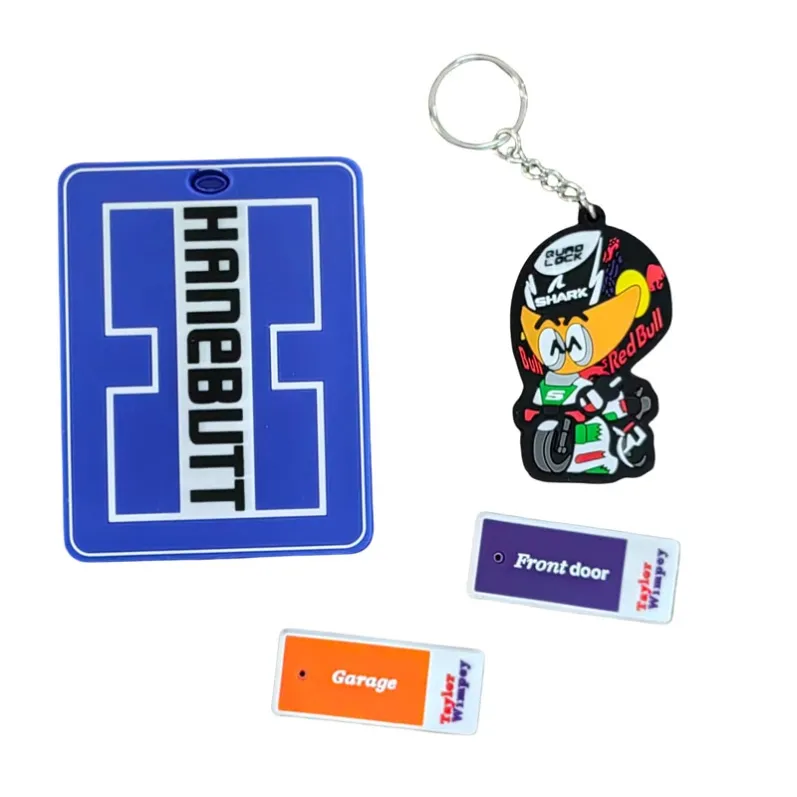
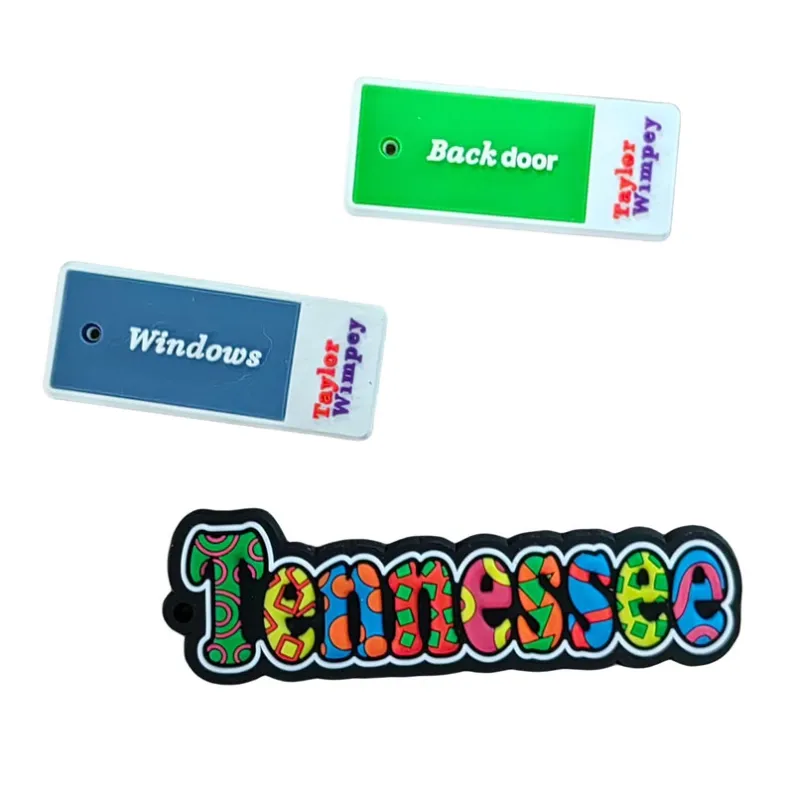
Custom PVC patches are a practical way to display logos, brand identities, organization names and custom artwork on uniforms, jackets, bags, backpacks and gear. Made from flexible soft PVC, they can be produced in custom shapes, colors and sizes with 2D or 3D design details.
However, a good PVC patch starts with more than just a logo.
The shape of the patch, artwork complexity, color contrast, size, backing and production style can all affect the final appearance.
If you are planning to create custom PVC patches for your brand or organization, this guide explains the key design decisions to consider before production.
1. Start with Your Logo or Artwork
The first step is deciding what you want the patch to display.
This may include:
- Company logo
- Brand name
- Organization name
- Club emblem
- Team logo
- Short message
- Symbol or icon
- Custom illustration
For the best results, start with clear artwork.
Vector files are preferred when available because they make it easier to adjust the design, separate colors and prepare production artwork.
If you do not have a vector file, provide the highest-quality version of your logo or design available.
The artwork can then be reviewed to determine whether any details need to be simplified for PVC production.
2. Choose Between a 2D and 3D PVC Design
One of the most important decisions is whether the patch should use a 2D or 3D design.
2D PVC Patches
A 2D PVC patch uses different raised and recessed levels to create a relatively flat, layered design.
This style is well suited to:
- Company logos
- Text
- Organization emblems
- Symbols
- Graphic artwork
- Designs with clearly separated colors
For many brand logos, a 2D design provides a clean and recognizable result.
3D PVC Patches
A 3D PVC patch uses rounded or sculpted surfaces to create additional depth.
This style may be suitable for:
- Characters
- Mascots
- Dimensional logos
- Objects
- Symbols with rounded details
- Designs that benefit from a sculpted appearance
Not every logo needs a 3D effect.
For simple corporate logos and text-based designs, 2D is often sufficient. The design style should support the artwork rather than make it unnecessarily complicated.
3. Choose the Right Patch Shape
PVC patches can be produced in many different shapes.
Common options include:
- Round
- Square
- Rectangular
- Shield-shaped
- Logo-shaped
- Character-shaped
- Fully custom shapes
A custom outline can make a patch more distinctive.
For example, instead of placing a logo inside a standard rectangle, the patch can sometimes follow the outer shape of the logo itself.
However, extremely narrow areas, sharp extensions or complicated edges may need to be adjusted for practical production and use.
When choosing the shape, consider both the appearance and where the patch will be attached.
4. Select the Right Size
Patch size affects how clearly the artwork can be reproduced.
A very small patch may not provide enough space for detailed text or complex artwork. On the other hand, an unnecessarily large patch may not fit the intended uniform, bag or garment.
Consider:
- Logo complexity
- Amount of text
- Number of design elements
- Intended application
- Available attachment area
- Required visibility
If the patch needs to fit a specific area, measure that space before confirming the size.
Providing both the required width and height is helpful when requesting a quotation.
5. Choose Your Colors
Color is an important part of a branded PVC patch.
You may choose colors based on:
- Company branding
- Organization identity
- Team colors
- Uniform colors
- Event theme
- Product design
If your brand uses specific colors, provide Pantone color references when possible.
For example, instead of requesting only "blue," providing a Pantone reference gives a clearer target for the required color.
The number of colors should also be considered during the artwork stage.
Simple, clearly separated color areas usually make a logo easier to recognize.
6. Use Good Color Contrast
The colors within the patch should work together, but you should also consider the color of the product where the patch will be used.
For example, a dark patch attached to a black bag may have less visual impact than a design with stronger contrast.
Think about:
- Background color
- Logo color
- Text color
- Border color
- Uniform or bag color
Important text and logos should remain easy to distinguish.
If the patch includes lettering, make sure the text does not disappear into the surrounding colors.
7. Keep Text Easy to Read
Small PVC patches have limited space.
Long sentences and very small letters may be difficult to reproduce clearly.
For branded patches, consider using:
Logo + Brand Name
or:
Logo + Short Message
rather than trying to include too much information.
When reviewing the artwork, check:
- Font size
- Letter spacing
- Line thickness
- Text position
- Contrast
If the original logo contains extremely small text, it may need to be enlarged, simplified or removed depending on the patch size.
8. Consider the Border Design
The border helps define the outer shape of the patch.
Depending on the artwork, the border can:
- Follow the custom shape
- Frame the logo
- Separate the design from the background
- Improve visibility
- Add structure to the patch
The border color can either match the main design or create contrast.
When creating irregular custom shapes, make sure the outer edge remains practical and does not contain unnecessarily thin areas.
9. Choose the Right Backing
The backing determines how the PVC patch will be attached.
One common option is hook-and-loop backing, which allows patches to be attached and removed from compatible surfaces.
Hook-and-loop backing is commonly used for:
- Uniforms
- Jackets
- Bags
- Backpacks
- Equipment
- Organization gear
This option can be useful when patches need to be changed or removed.
Other attachment requirements may be available depending on the product and application.
When requesting a quotation, tell the supplier exactly where and how you plan to use the patch.
10. Think About the Final Application
A patch designed for a backpack may have different requirements from one intended for a uniform.
Before finalizing the design, consider where the patch will be used:
Uniforms
Make sure the size and backing are compatible with the available attachment area.
Bags and Backpacks
Consider visibility, patch dimensions and attachment method.
Jackets and Apparel
Think about the location of the patch and how the design works with the garment.
Clubs and Organizations
Make sure names, symbols and colors accurately represent the organization.
Promotional Merchandise
Consider how the patch will be presented, packaged and distributed.
Understanding the final application makes it easier to choose appropriate specifications.
11. Prepare Your Artwork for Production
Once the main design decisions have been made, prepare the information needed for production.
A custom PVC patch project normally requires:
Artwork or Logo
Provide the original design file.
Quantity
Specify the approximate number of patches required.
Size
Provide the width and height.
Shape
Specify a standard or custom shape.
Colors
Provide color requirements and Pantone references when necessary.
Design Style
Choose 2D or 3D.
Backing
Specify hook-and-loop or other required backing options.
Packaging
Provide any special packaging requirements.
The more complete the information, the easier it is to prepare an accurate quotation and production artwork.
12. Review the Artwork Before Production
Before mass production begins, review the artwork carefully.
Check:
- Logo shape
- Text and spelling
- Dimensions
- Colors
- Border
- 2D or 3D details
- Backing
- Quantity
- Packaging
Do not approve the artwork until these details are correct.
If your project requires additional confirmation, sample options may also be available before mass production.
Common PVC Patch Design Mistakes to Avoid
A few common mistakes can make a patch less effective.
Using Too Much Small Text
Small patches cannot display unlimited information. Keep the message short and readable.
Making the Design Too Complicated
More details do not always create a better patch. Simplifying small elements can improve clarity.
Choosing Similar Colors
Low contrast between the logo, text and background can reduce visibility.
Ignoring the Final Application
Always consider whether the patch will be used on a uniform, jacket, bag or other product before choosing the size and backing.
Using the Wrong Design Style
A simple company logo may not need a complex 3D treatment. Choose 2D or 3D based on the artwork rather than assuming 3D is always better.
Approving Artwork Without Checking Spelling
Company names, organization names and other text should always be checked before production.
Frequently Asked Questions
Can PVC patches be made in any shape?
PVC patches can be produced in many custom shapes based on logos and artwork. Extremely complicated or narrow areas may need to be adjusted for production.
Should I choose a 2D or 3D PVC patch?
2D designs are often suitable for logos, text and graphic artwork. 3D designs are useful when rounded or sculpted details are important. The right option depends on your artwork and desired appearance.
Can you match our brand colors?
Yes. Pantone color matching is available for custom orders.
Can I add my company logo and text?
Yes. Custom logos, text and artwork can be incorporated into PVC patch designs.
Can PVC patches have hook-and-loop backing?
Yes. Hook-and-loop backing is available depending on your application and requirements.
Can I customize the size?
Yes. Custom sizes are available. The appropriate dimensions depend on your artwork and intended application.
Can I see a sample before mass production?
Sample options are available for custom projects. Send your artwork and order requirements to discuss the available options.
What information should I provide for a quotation?
Please provide your artwork or logo, quantity, size, colors, preferred 2D or 3D design, backing requirements and packaging requirements.
Ready to Create Custom PVC Patches for Your Brand?
A successful custom PVC patch starts with clear artwork and the right combination of shape, size, colors, design style and backing.
Whether you need patches for uniforms, jackets, bags, clubs, organizations or branded merchandise, preparing these details before production can help make the customization process easier.
Send us your logo or artwork, quantity, size, colors, backing requirements and project details. Our team can review your design and provide a quotation for your custom PVC patches.
Request a Quote